
Supplier data.
Store updates.
Your rules.
Keep your online store’s pricing and inventory aligned with supplier data. Connect your feeds, match your products, and control how updates reach your store.
Discuss your store ↗Bring your data together
Connect distributor sources, FTP/SFTP feeds, and CSV, Excel or JSON files.
Align your catalog
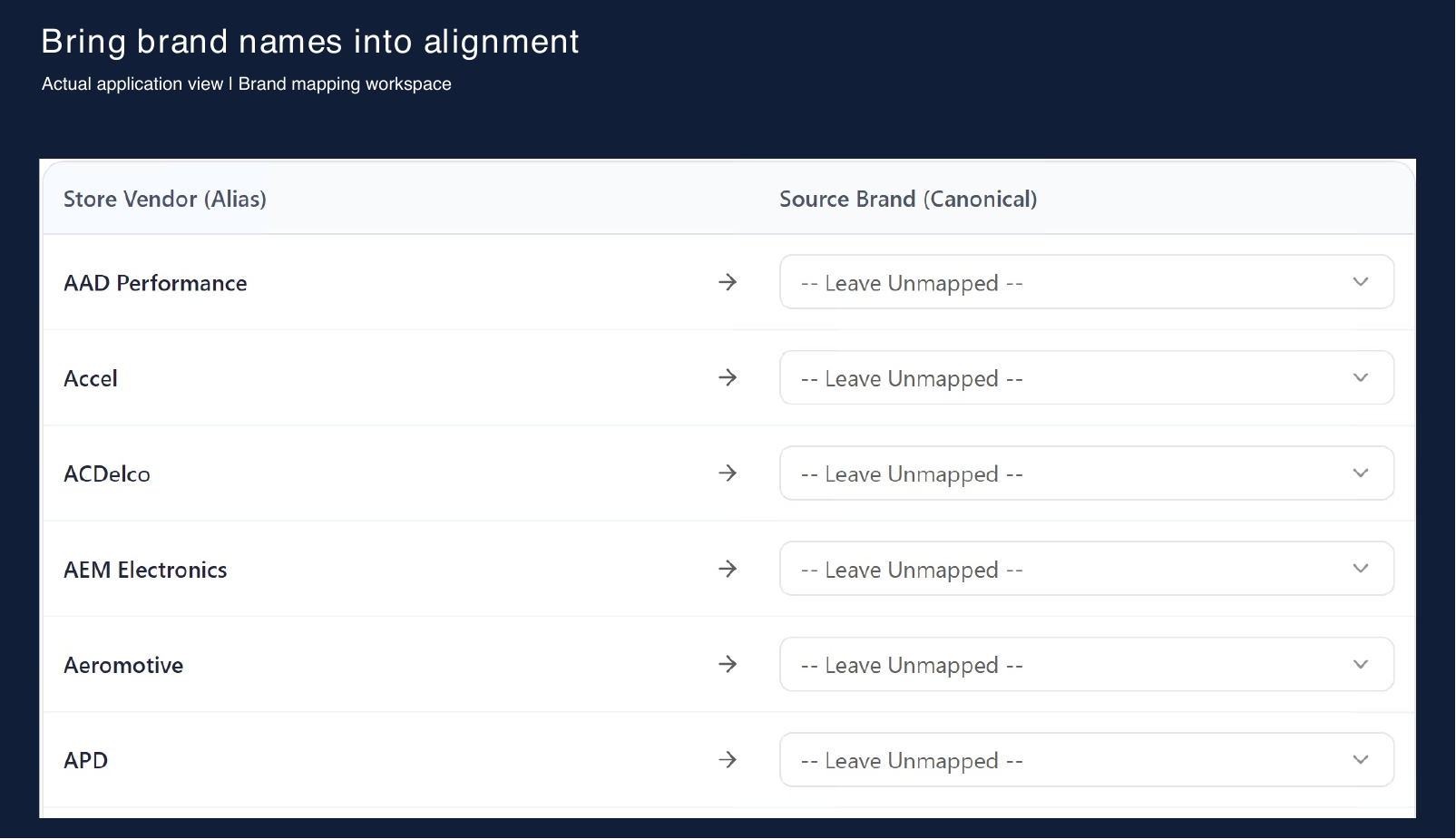
Match products by SKU and manufacturer part number. Use brand aliases and normalization rules to resolve differences.
Set the rules
Configure pricing, inventory thresholds and source priorities. Run updates manually or on a schedule.
Pricing that follows your workflow
Build calculations from supplier values, add markup and rounding, and test the result with the live rule simulator.
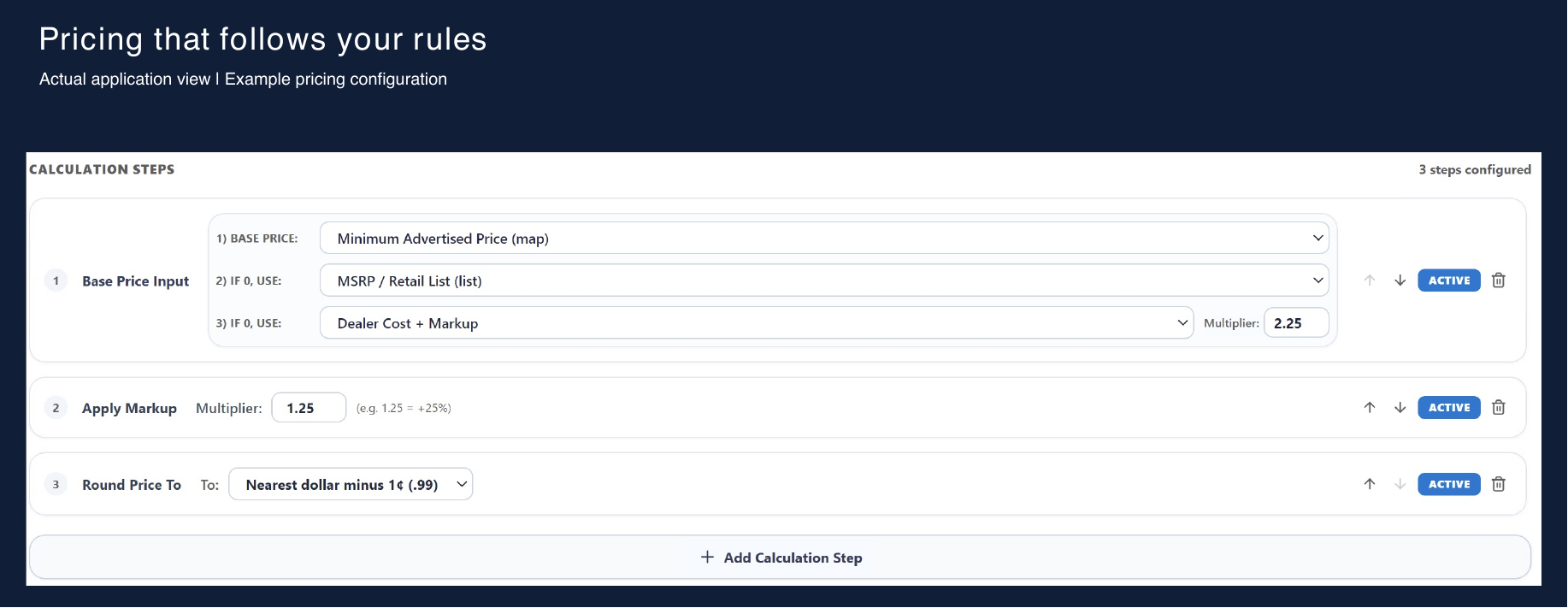
Example configuration from the application. Rules are configurable for your workflow.
Make mismatched data manageable
Different brand names and part-number formats don’t have to mean another spreadsheet cleanup.
Link store vendors to source brands, normalize identifiers, and review products that need mapping.
Connect your store
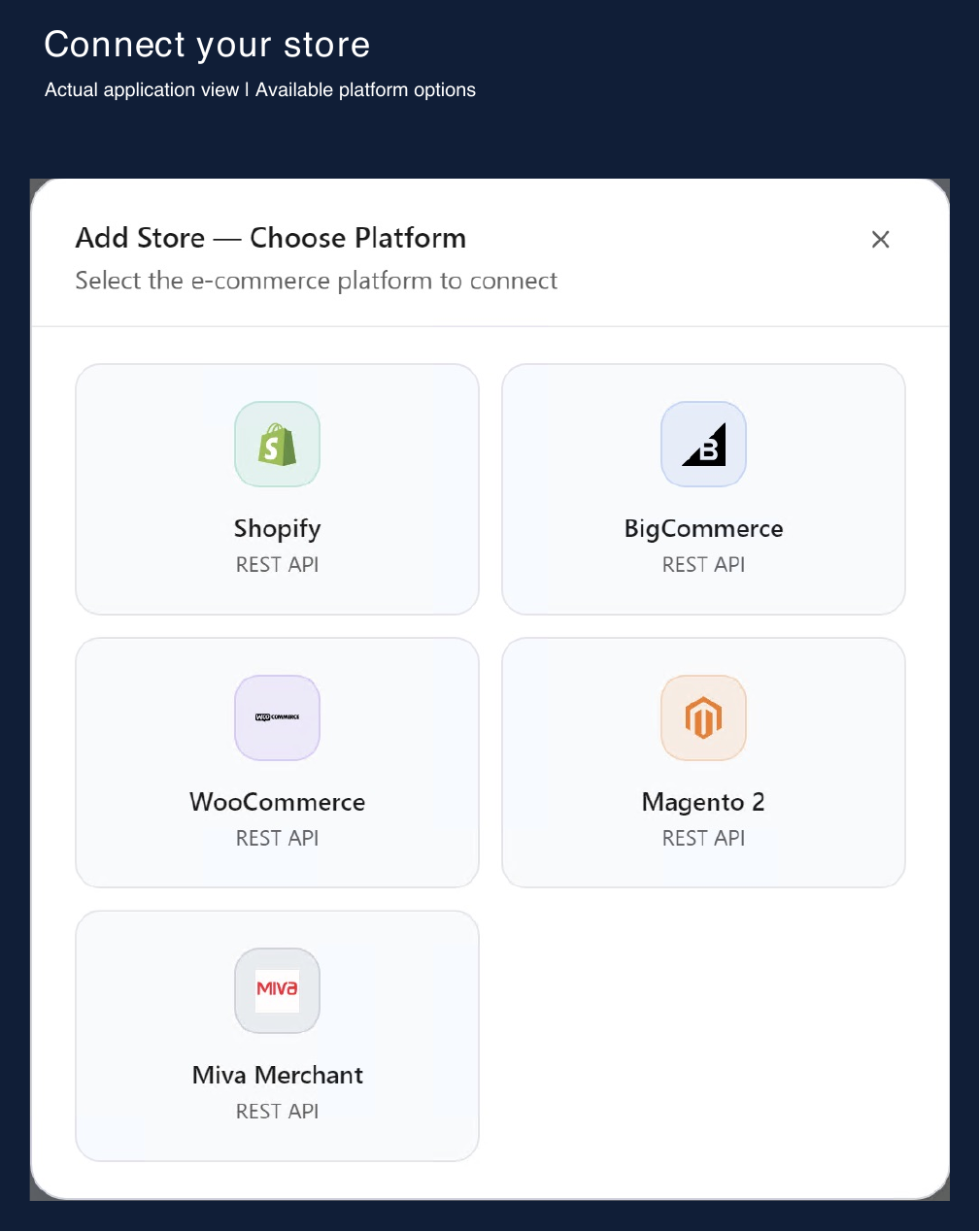
Choose from the store platform options available in Alphard Sync.
Shopify · BigCommerce · WooCommerce
Magento 2 · Miva Merchant
We’ll review your platform, supplier sources and update requirements with you.
Let’s connect your suppliers and your store.
Tell us how you manage pricing and inventory today. We’ll walk through how Alphard Sync could fit your workflow.
Request a walkthrough ↗